The foundations are ready.
Import master data, let patients complete an online assessment and collect the necessary digital signatures.
From the first assessment to follow-up care: connect treatment with digital plans, clear documentation and feedback from your patients’ everyday lives.
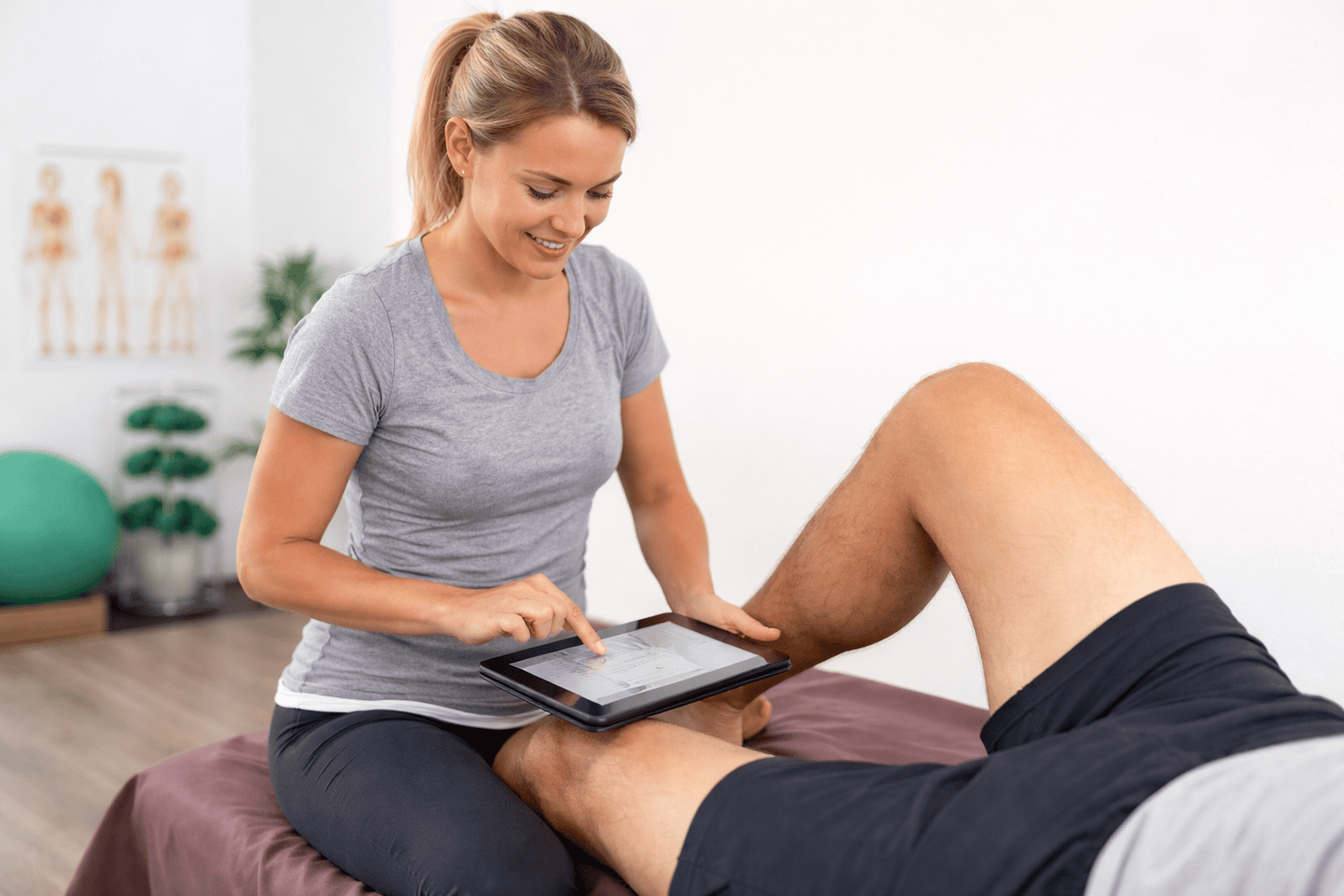
Bring together patient information, therapy and training. Your team finds the information where it is needed for care.
Import master data, let patients complete an online assessment and collect the necessary digital signatures.
Document the starting point and goals, create individual exercise plans and record treatment.
Patients train with the app, log sessions and send questions or pain feedback.
Document treatment, perceived pain and training performance as a basis for clinical decisions.
Document treatment by typing or dictation. The ongoing record connects assessments and treatment entries; documentation can be exported for defined periods.
Enable pain feedback when appropriate. Patients report their subjective pain through the app or by email. The timeline adds information for your next conversation.
KGG Session lets you open multiple patients at once and switch between their training content. Log from the therapy plan or use previous sessions as a starting point.
Build workout and therapy plans or adapt templates. Your own exercises, images and videos complement your clinical expertise.
Patients find instructions, exercise videos and explanations in the client app. You can also provide plans by email or printout.
How the client app supports your patients ↗Use your own assessment questionnaire: patients complete it online and can upload medical findings before their first appointment.
Upload your own documents and define placeholders that automatically insert patient information. Patients can digitally sign:
Signed documents are filed automatically.
Suitable interfaces transfer patient master data into Lanista. THEORG, THEORG2GO and TheraConnect offer additional options for direct access and plan sharing.
THEORG: scope and requirements ↗Define required services and repeat intervals in administration. The assistant prompts your team about outstanding documents, measurements and plan updates.
Explore administration and the assistant ↗Offer patients a personal training plan and follow-up care through the app. Calculate how additional revenue could cover your Lanista licence.
View the transparent calculationYes. Add your own exercises with images or videos, create templates and edit existing plans individually.
Through the client app with images, videos and explanations. Plans can also be provided by email or printout.
Enable the feedback option in treatment documentation when appropriate. Patients can report their current pain; its history is available to inform further care.
THEORG integration requires an activated THEORG ‘Lanista’ module and valid THEORG and Lanista licence numbers. The exact scope depends on the application and configuration. We can discuss this in an online demo.
Through the permanently included online academy: a short admin course and a staff course of around 45 minutes with assessment.
We’ll show you planning, documentation and the app as one connected workflow.