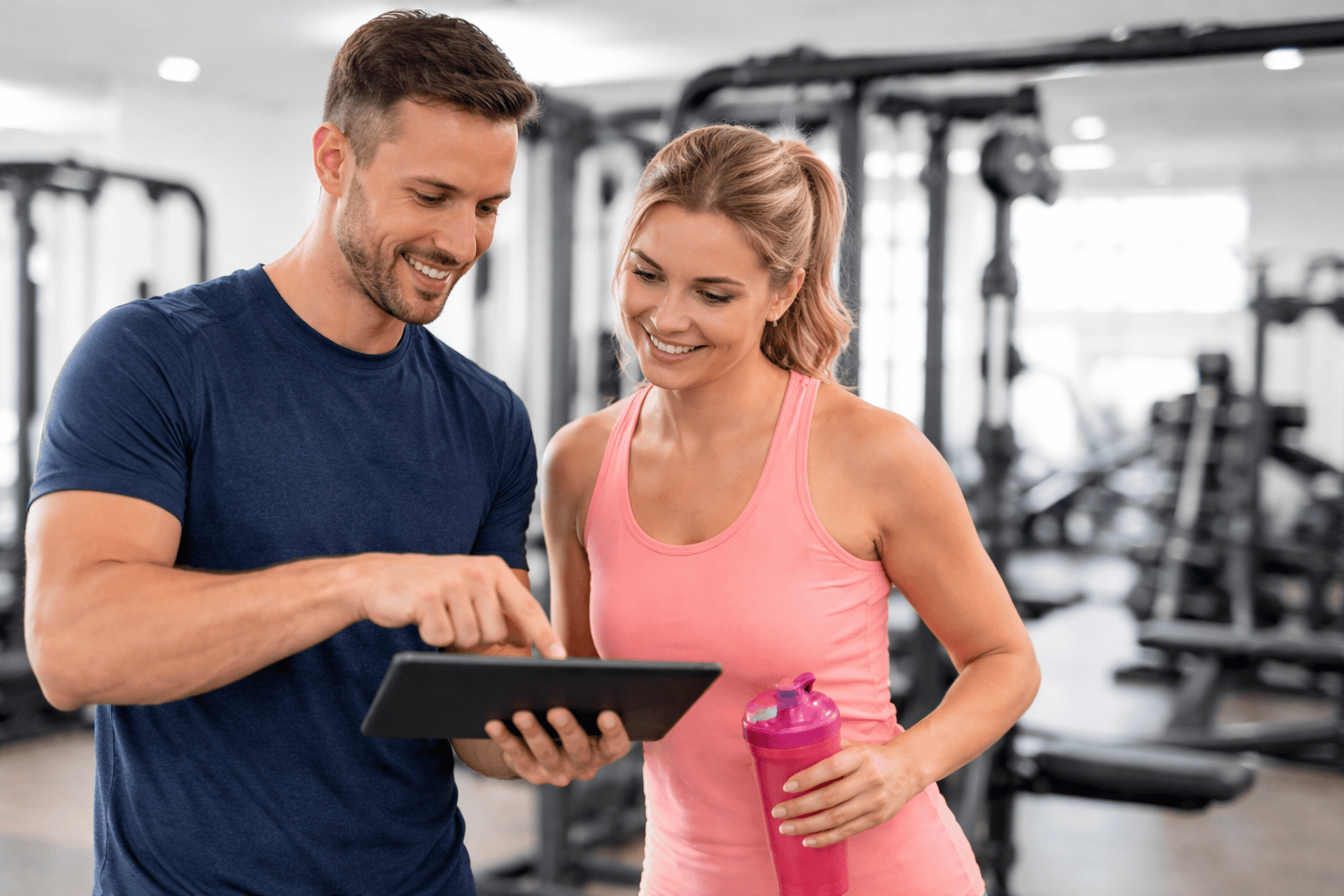
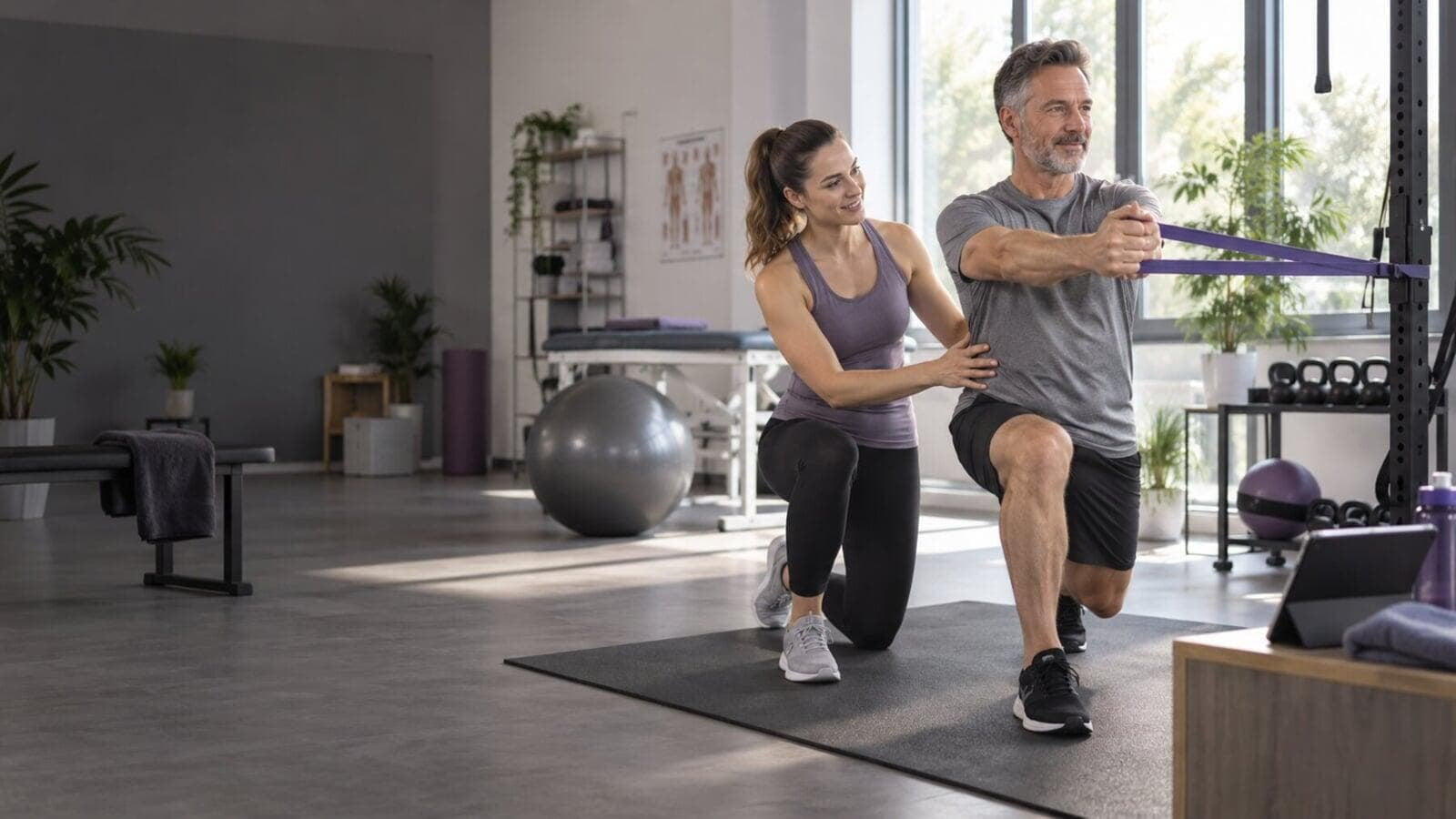
Close × Sources & imagery Updated: 20 October 2026. Based on the existing website preview.lanista-training.com . Product views and the Lanista logo come from this source. The client explicitly approved the press article images for reuse from the same source. The three audience photographs also come from the existing Lanista website: therapie_header.png, fitness_header.png and lanista-hero-personal-training.jpg. No external stock imagery was added. Original image licences are not documented on the public source pages.
Physiotherapy & client app pages The two pages were checked against /therapie and /kunden-app on 20 October 2026. Additional images from the same site: ipad_iphone_schmerzfeedback.png (1600 × 1128), kgg_action.png (800 × 533) and lanista-blog-phone.png (918 × 668). No new volume figures or regulatory claims were added. Chat notifications and Academy course details come from the project brief.
Fitness studios page The fitness page was checked against /fitness and /eco-system. The goal-management image wordpress-titelbild_zielmanagement-4x3.jpg (1600 × 1200) comes from the same source and can be enlarged in full. No client numbers, revenue guarantees or success guarantees were added. Interface and analysis-import availability is not promised universally.
Personal Training page This version follows the client’s explicit product clarification: visual assessment with pain history, goal management, trainer notes, detailed workout logs, planning and app feedback. It does not include online self-completed assessment, Doku-Sign or additional option activation. One tile with a custom link can be added; extensive app customisation is excluded. The page links to the existing pricing information.
Ecosystem & business value These pages bring together the workflows described in the brief. The time calculator uses editable assumptions and calculates time differences and additional effort, without revenue or profit. Both calculators are available as tabs on one page. Cost recovery follows the original revenue calculation: suitable people × booking rate × price, monthly and annual revenue, licence coverage and revenue after the licence fee. At the client’s request, staffing, taxes and other costs are not deducted; the simplified revenue calculation is labelled accordingly. Visual assessment with pain history and goal management are also included for personal trainers, but online assessment and Doku-Sign are not. The locally retained original /zusatzeinnahmen page supplied the formulas, example figures and quick-price choices.
Online assessment & Doku-Sign feature pages The retained original pages confirm admin-editable questionnaires, smartphone or PC completion, uploads and Doku-Sign integration. Doku-Sign supports templates or custom PDFs, placeholders, signatures on site or during online assessment, filing and sharing by app and email. Blanket legal-compliance and onboarding-percentage claims were not adopted. The original smartphone-signature image is 270 × 444 pixels; the placeholder administration image is 1524 × 1600. Higher resolution is needed for a larger smartphone image. Sample document wording is not advertised as a legal template.
Administration & digital training floor The original /eco-system, /self-service and /nfc pages confirm required services and repeat intervals, outstanding services in client records, manual reminders and follow-up lists. Duplicate detection and Academy details also come from the brief. Touch displays, NFC tags, QR codes, workout channels and cadence display are described without guarantees of saved time, retention or training outcomes. Equipment scope and NFC compatibility need to be checked for each facility. Original images show the NFC holder (1600 × 861) and cadence display (800 × 1127). An outdated 2016 room diagram and a third-party app image were not reused. Large terminal and QR images still need higher-resolution originals.
Central settings and self-service templates The client confirmed that administration covers staff creation and Academy invitations, app settings and layout, automation switches, interface setup, the online assessment questionnaire and Doku-Sign documents. On the digital training floor, the owner supplies ready-made template plans in categories rather than individual client plans. The smartphone, NFC chip and holder as a display replacement are explained prominently, and the NFC tab shows the actual Lanista holder. The page overview links to both revised pages.
AI workout planning, THEORG and other connections The original AI page and planner view support plan suggestions that trainers and therapists review before release. An older reference to individual AI self-service plans was unclear against the latest clarification about ready-made templates and was not promoted. THEORG is presented as a dedicated practice solution without ranking partners. The integrations page includes prerequisites and the original explainer video; playback could not be confirmed during the earlier check because the original video request returned HTTP 503. Administration partners are named from the original fitness page. Body composition values are extracted from PDFs or screenshots and stored in tables, without a direct manufacturer interface. Third-party logos and an image branded for another practice were not reused. The original AI planner image is 1600 × 1134.
Confirmed product information Client app: Workout plans, logs, progress, exercise chat, pain feedback, documents and uploads.Care workflows: The administrator defines required services and intervals; the assistant shows outstanding services in the client record.Therapy and fitness: Planning, documentation, online assessment and teamwork.Permanent Academy access is confirmed on the original homepage. The short admin course, approximately 45-minute staff course with assessment and chat notifications come from the brief; these details were not explicitly described on the checked source pages. Digital workflows and automation Also checked: Online assessment , Doku-Sign , Self-service , NFC and THEORG . The workflows and prerequisites come from these product pages. Providers are named without using external logos. The five lower topics now form the care journey. NFC, touch displays and QR codes are introduced together through the digital training floor teaser. The client confirmed duplicate detection. Future AI suggestions for automatic plan adaptation are not promoted as an existing feature.
Additional original images: online assessment 1000 × 755, Doku-Sign 628 × 468, touch displays 482 × 448 and QR materials 490 × 368. Larger views require higher-resolution exports. The QR image shows a Lanista template with sample ‘Your Gym’ branding.
Unclear or conflicting information Exercise counts vary between ‘1,000+’ and ‘over 2,000’; therapy template counts vary between ‘150+’ and ‘over 100’. These figures were not adopted. Some fitness-page wording refers to therapy plans, and several source pages share the same practice-related title. Audience copy was rewritten. The checked original navigation had no separate Personal Training audience page. A dedicated coaching section was therefore created. The source contains an MDR statement. It was not originally adopted without checking the current regulatory evidence. The original /zusatzeinnahmen revenue calculation excludes staffing. At the client’s request, the cost-recovery calculator follows that simplified calculation. A note identifies excluded costs; no return is promised. Materials needed for the next image update Current high-resolution client app screenshots: training, progress, documents, pain feedback and chat including notifications. Current desktop screenshots of administrator settings and the assistant, preferably with anonymised client data. Existing 1600-pixel views are included and fully expandable. The app montage is 746 × 586 pixels, chat 760 × 518 and workout plan 610 × 450. Sharper exports are needed for large displays. Existing images were neither upscaled nor cropped. Audience photographs come from the existing Lanista website. Internal reuse permissions should be available for final publication; no public image-credit evidence was found. The ‘first reference’ mentioned in the brief was unavailable. The visual direction was developed independently. Legal notice, privacy policy & GDPR The original legal pages were retrieved on 21 October 2026 and transferred to a shared information-page layout. Items needing updates were identified: TMG references, unclear controller/data-protection-officer roles, unconfirmed tracking information and historical GDPR announcements from 2018. No new data-processing practices or contract downloads were claimed. All footers link to the local legal pages.
Press, new features & FAQ The original press, features and FAQ pages were retrieved on 21 October 2026. The original 23 questions in seven categories were retained, with visible HTML answers and matching FAQPage data. The original RSS embed and Magazine category link were retained. The client approved reuse of all seven article images and the medical-device image. The medical-device section follows the source wording without adding certification, efficacy or recovery claims. Images remain unchanged, uncropped and expandable; six are only 326–358 pixels wide and need larger originals. Valid external original-article links were not available. FAQ answers have since been updated using confirmed current product information.
Additional partners and connection types The partner list follows the client’s explicit clarification: Agilea, Aidoo, Centercom, Inwendo, Konsequent, Systeam, Themisoft, THEORG and Ttools for administration. Appointment systems including Doctolib, Timify, Calendly and THEORG are app links, without a claim of data synchronisation. ClubConnector, MyfitApp and TheraConnect are app integrations. Dr. WOLFF, five and Extrafit add exercise libraries and template plans. No additional partner logos or capabilities were invented.
Pricing, online demo & navigation The original pricing and demo pages were retrieved on 21 October 2026. Licence prices, terms, included accounts and extras were retained. No unpublished plug-in prices or individual licence capabilities were added. VAT is shown as 19%. The demo keeps its original Zoho embed URL and form ID; fields, requirements and submission remain with the form provider. Resources was removed from the main navigation; Integrations leads to the local integrations page. Pricing and demo links use local pages.
Included services for facility licences The client explicitly confirmed that Doku-Sign, KGG Session and a promotional marketing package are included at no extra charge in the licence for studios, practices and facilities. This does not apply to the individual trainer version.
Login & form-based contact The original login page was retrieved on 22 October 2026. Trainer login, registration, client login, App Store and demo links were retained exactly. Its 14-day trial refers only to the individual account. Login is linked between Pricing and Online demo. Direct email contact was removed from the demo page and footer and replaced with the existing form, whose embed remains unchanged.
Footer platforms & contact routes The client requested footers without an email address. Academy and Support are grouped as learning and support platforms; Magazine provides training and health content. Login, registration, demo form, FAQ and iPad app remain directly linked. Instagram comes from the public Lanista homepage and the YouTube channel was verified. Broken short links from the old preview footer were not retained.
Dr. WOLFF partner page The existing Dr. WOLFF pages were checked on 22 October 2026. The page covers new display equipment with training-parameter transfer and return of logged performance, exercise plug-in, QR codes, activated PHYSIO-TRAINING, Back-Check PDF analysis with AI-assisted editable suggestions and self-service templates. Conflicting exercise counts were omitted. Equipment integration is limited to new display equipment. Back-Check is described as PDF import without a direct live interface or recovery promises. ‘Close partnership’ comes from the client. Original images are shown completely and can be enlarged; the old gym3.0 room diagram was not reused.
A shorter homepage & larger product views At the client’s request, the original trainer-software and client-app images are shown individually in a manual hero slider, completely and with enlargement. The duplicate five-stage ecosystem block was removed from the homepage. The compact care journey remains and links to the ecosystem page. Navigation links now lead to the relevant full pages.
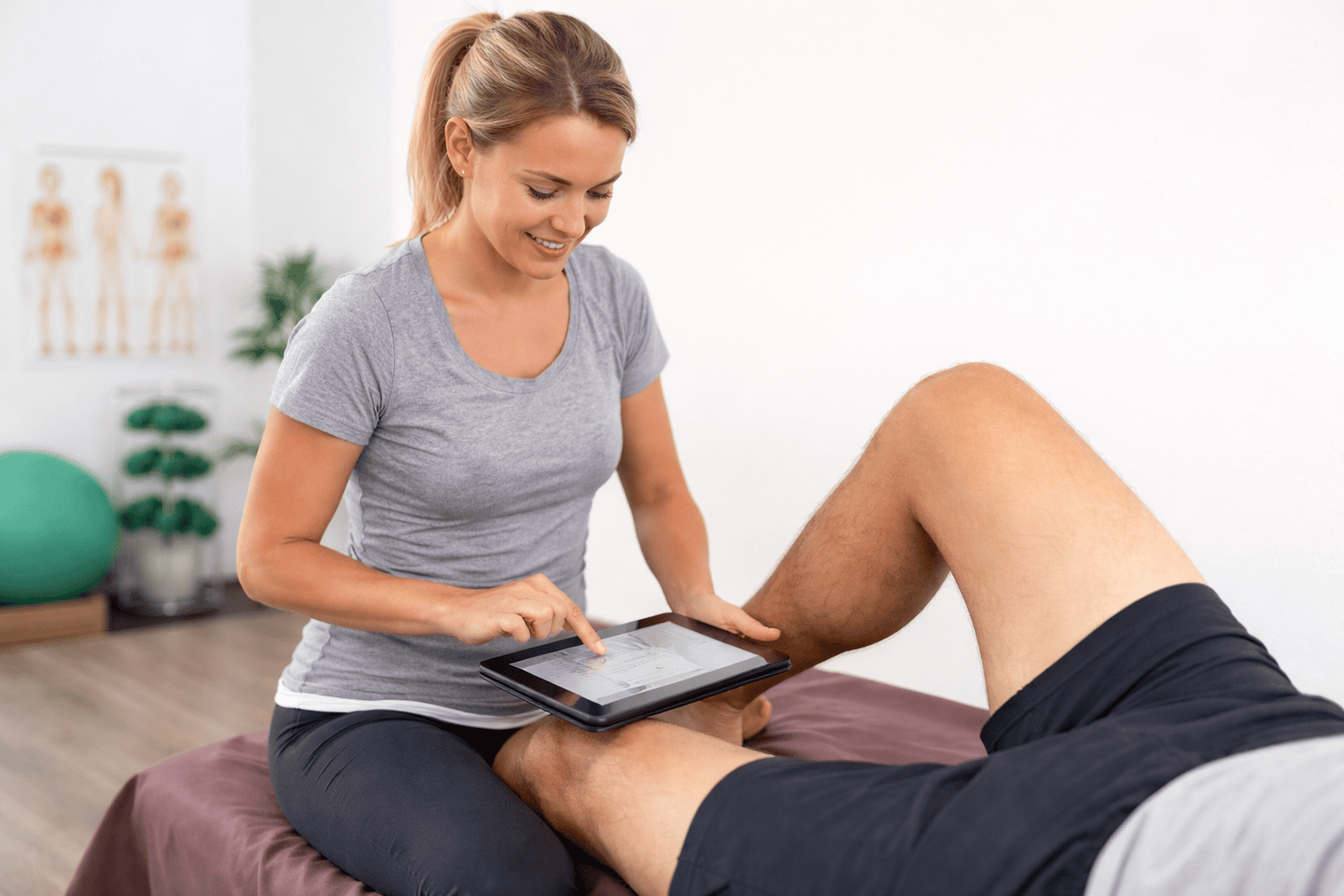 Physiotherapy